





How to set up your Moodle account
Moodle stands as a cornerstone of virtual learning environments (VLE), providing a robust platform that supports educational institutions in creating personalised and collaborative learning experiences.


Student Portal
You will be able to view assessment briefs, module handbook, lesson plans, and more.
Your Moodle account login details:
Username
*|SEMAIL|*
Temporary password
*|MPASS|*
Click the button below to be redirected to Moodle login page.
How to Login
Go to Moodle portal and login using the login credentials above.
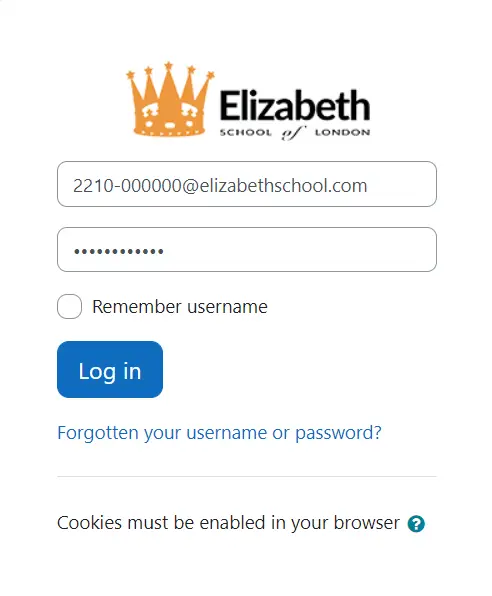
NOTE: Navigate through the courses to find academic calendar, assessment briefs, module handbook, course plans and guidance.